Make it Max.
Graphics, big words and transitions. You approve stills before anything renders.
What Max adds.
On top of your Pro edit: headlines, big words, labels and sound.
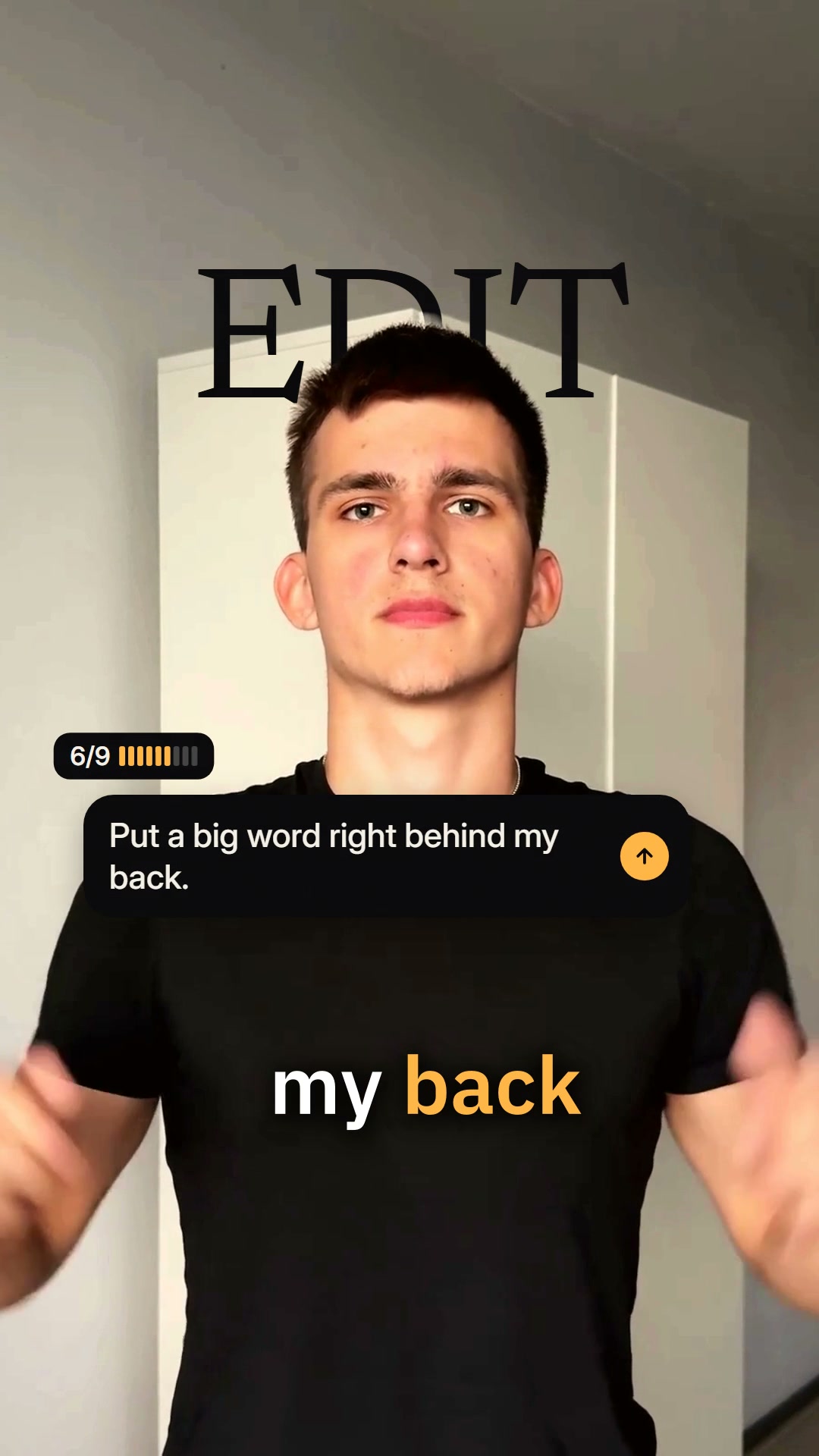
Big word
One word, large, behind you.
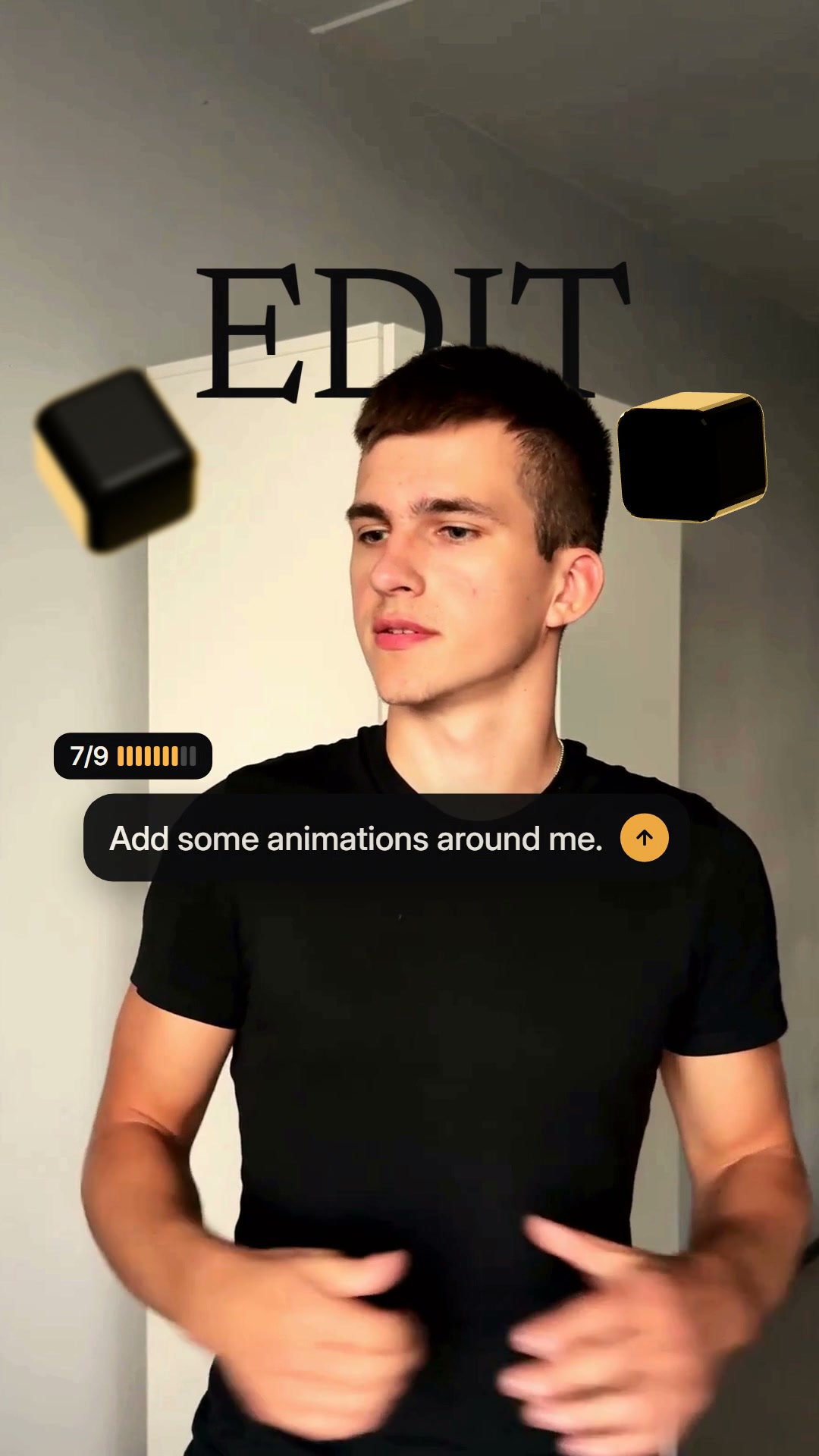
Animations
Small pieces moving around you.
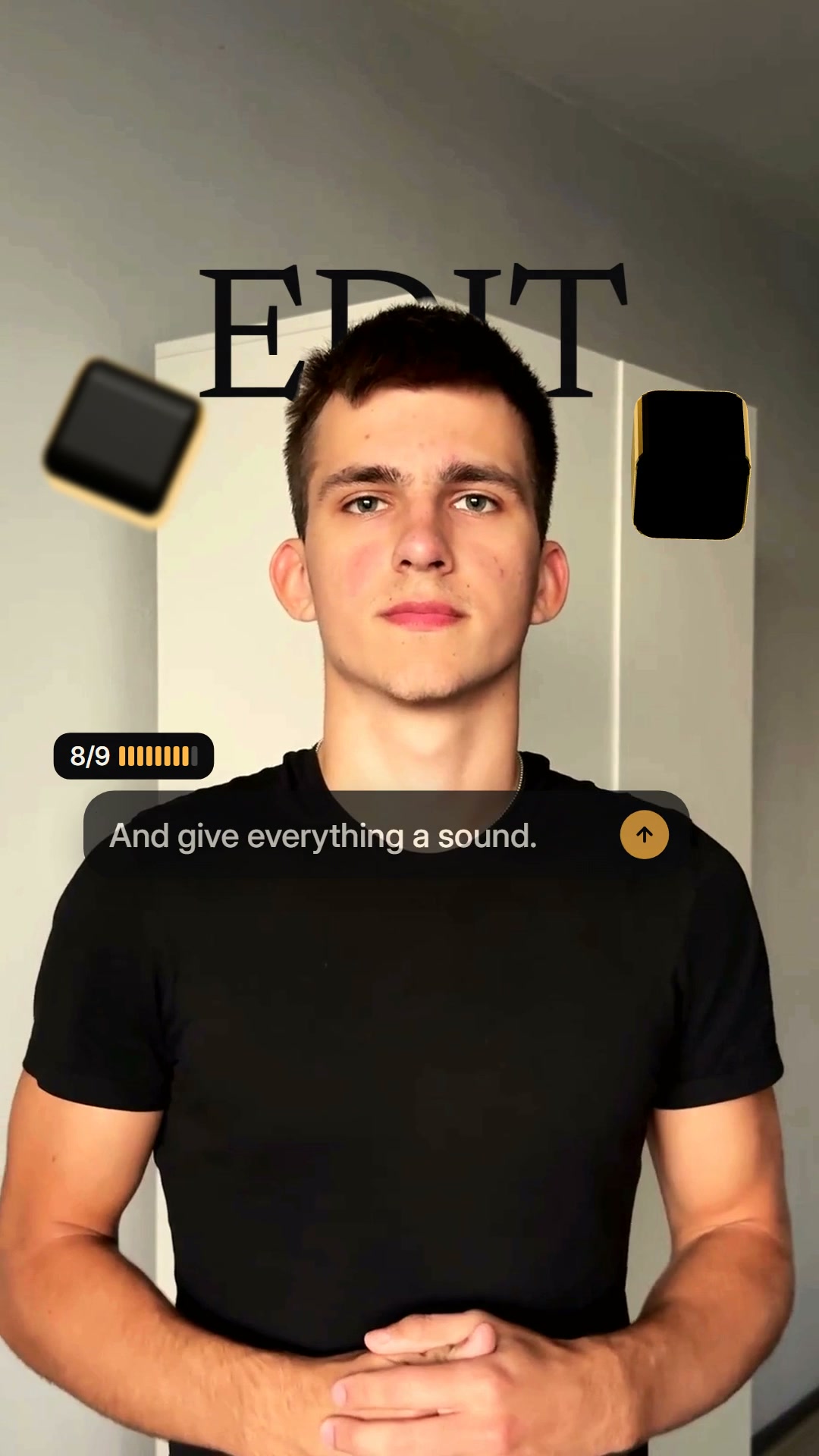
Sound
A sound on every change.
You approve the stills.
Max shows stills of its plan. Nothing renders until you approve.
Big word
One word, large, behind you.
Animations
Small pieces moving around you.
Sound
A sound on every change.
Not right yet? Change it in chat for another round, up to 6 on one video.
The first 2 rounds are inside the price; after that a round counts, and you see that before you start it.
Your Pro edit stays safe.
If Max can’t finish, your Pro edit is still here and the Max video comes back.
What Max counts.
| Starter | ~9 Max videos a month |
|---|---|
| Pro | ~20 Max videos a month |
| Studio | ~45 Max videos a month |
One shared balance for Cut, Pro and Max. Max is on paid plans. The free plan has Cut and Pro.
Questions
What does Max add?
How does the approval work?
What are Max rounds?
What if Max messes up?
Start free, then Max on a plan.
Free: 1 free video a day, up to 10 a month. No card.