Safe-zone checker
FrameCutter's free safe-zone checker shows which parts of a vertical video the TikTok, Reels and Shorts buttons and text usually cover, in your browser, without uploading the video.
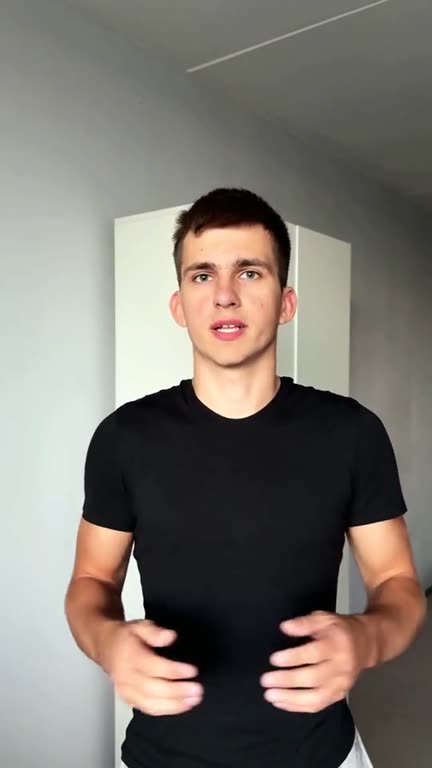
Try it with your own video
Anything important inside a marked area, like captions, a face or a product, is likely to sit under the app's buttons or text. Keep it in the clear middle.
Your file stays on your device: nothing is uploaded. The areas are approximate; each app moves its buttons a little.
Last updated 23 October 2026
Nothing uploaded
Your video plays from your own device.
Video or picture
Scrub through a video, or check one frame.
Made for 9:16
Tells you when a video isn't vertical yet.
Questions
Want the captions placed for you?
FrameCutter edits your take and keeps the captions clear of the app buttons.
Start free